# Apacheのテストページを非表示にする方法
URL: https://webrandum.net/hide-apache-test-page/
公開日: 2023-01-24
更新日: 2023-01-24
カテゴリー: コーディング
出典: Webrandum(著者: サイトウ マサカズ)
Apacheはルート直下に「index.html」ファイルがない場合に、デフォルトでテストページが表示される場合があります。
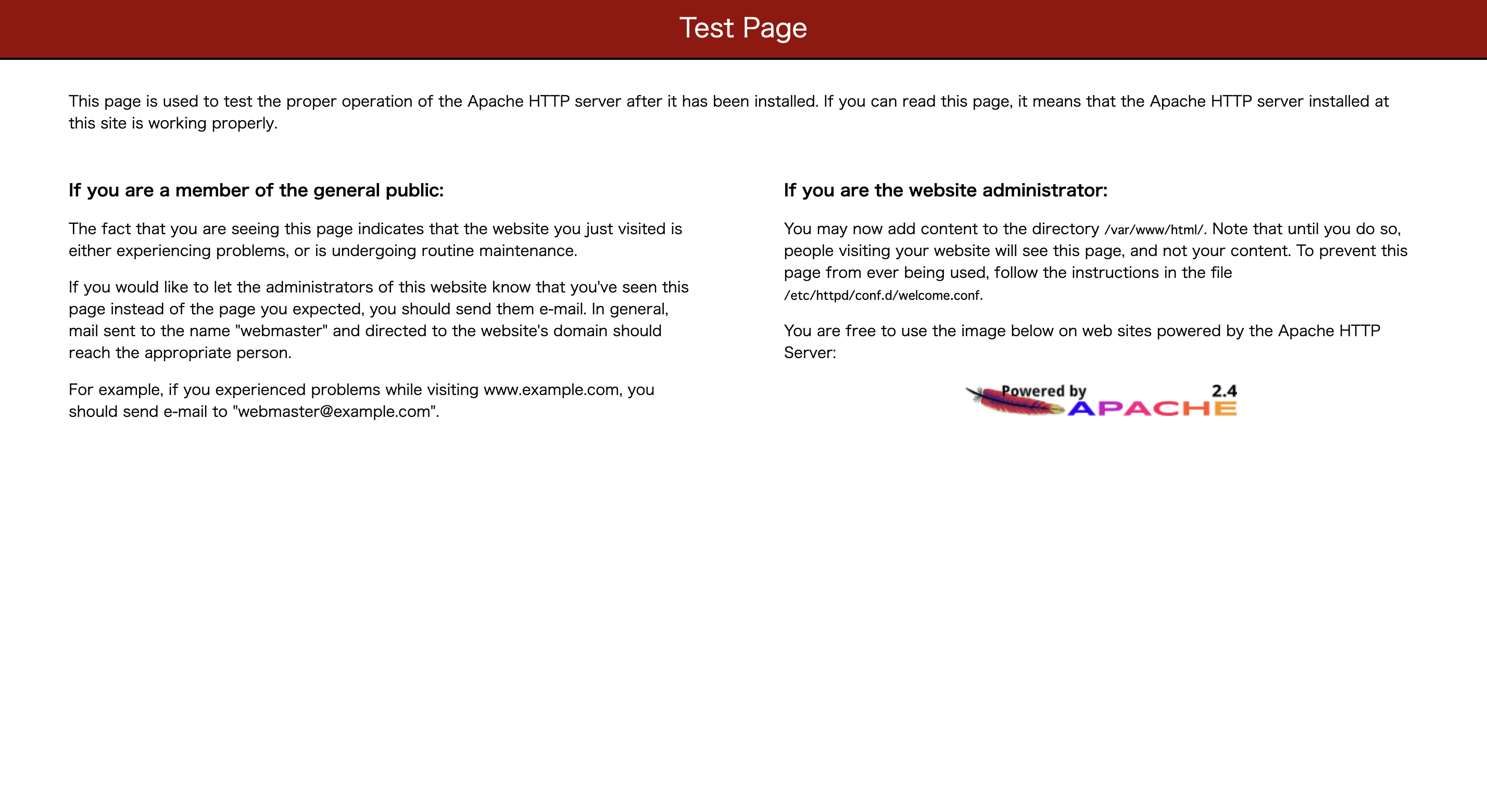
index.htmlを置けば解決しますが、ルート直下になにも置かない場合はテストページが表示されてしまいます。
## テストページの非表示
テストページを非表示にしたい場合は「/etc/httpd/conf.d/welcome.conf」ファイルを編集します。
```
#
# This configuration file enables the default "Welcome" page if there
# is no default index page present for the root URL. To disable the
# Welcome page, comment out all the lines below.
#
# NOTE: if this file is removed, it will be restored on upgrades.
#
Options -Indexes
ErrorDocument 403 /.noindex.html
AllowOverride None
Require all granted
Alias /.noindex.html /usr/share/httpd/noindex/index.html
```
修正箇所は``で囲まれた部分をコメントアウトします。
```
#
# Options -Indexes
# ErrorDocument 403 /.noindex.html
#
```
これでテストページが表示されなくなりました。
## ファイル一覧が表示されてしまう場合
テストページは非表示になりましたが、このままではファイル一覧やサーバー情報が見えてしまいます。
403などを表示させたい場合は「/etc/httpd/conf/httpd.conf」を編集します。
```
#
# This should be changed to whatever you set DocumentRoot to.
#
#
# Possible values for the Options directive are "None", "All",
# or any combination of:
# Indexes Includes FollowSymLinks SymLinksifOwnerMatch ExecCGI MultiViews
#
# Note that "MultiViews" must be named *explicitly* --- "Options All"
# doesn't give it to you.
#
# The Options directive is both complicated and important. Please see
# http://httpd.apache.org/docs/2.2/mod/core.html#options
# for more information.
#
Options Indexes FollowSymLinks
```
「Options Indexes FollowSymLinks」の「indexes」の前に「`-`(ハイフン)」を付けて保存します。
これでApacheを再起動すれば、403 Forbiddenページが表示されるようになります。
ルート直下にファイルを置けば即解決なのですが、そうもいかない場合もあるので解決方法があることだけでも覚えておきましょう。